If your browser shows a red "Dangerous site" warning, the address is on Google Safe Browsing's list. The cause is almost always the same: the site was hacked and now hosts someone else's code, a phishing page or hidden links. To clear the warning, find and remove the infection, change every password, update your CMS and request a review in Google Search Console. Google rechecks phishing in about a day, malware in a few days and spam in up to several weeks.
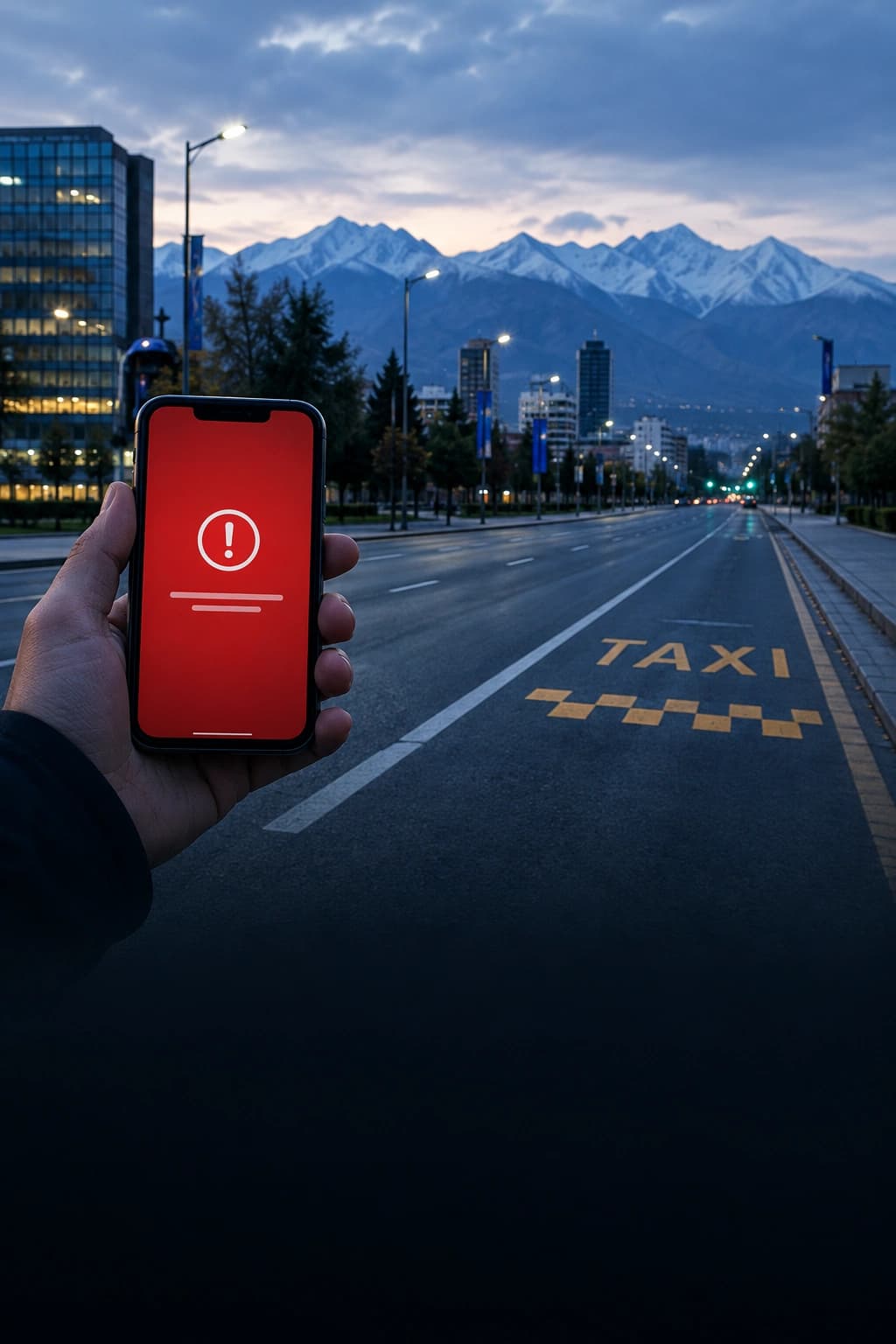
Monday morning. The owner of a small kitchenware shop opens her site on her phone and gets a red page with an exclamation mark instead of her catalog. Zero orders over the weekend. The host says the server is fine. She hasn't changed anything. Here is what happened and where to start, first for the person who hit the red screen, then for the person who owns the site.
What does the red "Dangerous site" screen mean?
It means the site's address is in Google Safe Browsing, a free Google service that has been collecting addresses of dangerous pages since 2005. Your browser checks each site against that database before opening it and blocks the page on a match.
This isn't just Chrome. Google says Safe Browsing protects more than 5 billion devices every day. Firefox checks the same lists and refreshes them roughly every 30 minutes, according to Mozilla's help pages. Safari, per Apple's own guide, may send information calculated from the address to Google Safe Browsing before loading a page. So once a site is listed, almost every visitor sees it as dangerous, not only Chrome users.
Google sorts threats into three kinds:
- malware (code that tries to infect the visitor's device);
- unwanted software (downloads that change browser settings without asking);
- social engineering (deception, usually phishing: a fake login page that steals usernames and passwords).
Google can also label a site right in search results with "This site may be hacked." That label, introduced in 2017, sits under the link before anyone clicks it.
I just visited a site and got the warning. What should I do?
Close the tab and don't enter anything on that site: no password, no card number, no phone number. The warning usually means the site could do something to your device or data right now, even if it looks like an ordinary shop.
- Don't click "Visit this unsafe site" unless it's your own site or you truly have to get in.
- If you already typed a password there, change it now, along with any other account that uses the same one.
- If you entered card details, call your bank and ask for a new card.
- If it's a site you know and trust, tell the owner. Owners often learn about a hack exactly this way, from customers.
We covered how to tell a scam site from an honest site that got hacked in How to Check a Website for Scams Before You Buy. The rest of this guide is for people whose own site got flagged.
Why did my site end up on a blacklist?
Most likely because it was hacked and you don't know it yet. Google's documentation says hacks happen through weaknesses in a site's security and describes four main ways attackers use a compromised site:
- code injection: malicious JavaScript or a hidden iframe (a window inside the page that loads another site) is added to your pages;
- page injection: new spam or phishing pages appear while your existing pages look unchanged;
- content injection: hidden links and text are slipped into normal pages, visible to search engines but not to you or your customers;
- redirects: some visitors get quietly sent to spam.
Here's the worst part: a hacked site often looks perfectly normal to its owner. Google describes hacks where the redirect only fires for people coming from search results, while typing the address directly shows a clean page. The owner opens the site from a bookmark, sees the catalog and assumes Google made a mistake.
Where does the hole come from? Usually one of three places: an outdated CMS or plugin with a known flaw, a stolen or weak password for the admin panel or hosting account, or exposed system files. That third one gets missed the most.
What are the signs a website has been hacked?
Any one of these is reason enough for a proper check:
- your page code, or a Google search for
site:yourdomain, turns up casino, betting, loan or pill keywords, or pages in a language you don't use; - Google Search Console emailed you about security issues, or its Security Issues report isn't empty;
- visitors' antivirus complains about the site, or customers say they get "sent somewhere else";
.env,.gitor a database backup opens by direct address (these hold database passwords and keys, and scanning bots find them within hours);- your pages load scripts you never added, with no protection against tampering;
- emails from your domain stopped reaching customers.
That last sign points to a separate problem, one people know far less about than the red screen.
Why did emails from my domain stop arriving?
Your domain has probably landed on a spam blocklist such as Spamhaus or SURBL. These are databases of bad domains that mail servers check. If yours is listed, emails to customers go to spam or vanish, and nobody tells you.
Spamhaus says its domain list, the DBL, includes legitimate sites taken over by attackers, for example through an outdated CMS or stolen passwords. By its own account, its data protects billions of mailboxes worldwide. SURBL keeps a separate CR list for exactly this case: legitimate sites that were cracked and turned into spam redirects.
So one hack hits you twice. Browsers scare off visitors, and mail filters block your emails.
How do I check my site for blacklists and hacks?
Start with what's visible from outside. It takes a couple of minutes:
- Blacklist check. Awe Check shows for free whether your domain is on Google Safe Browsing or spam lists.
- Signs of a hack. A separate scan looks for casino and loan spam links in your code, exposed
.envand.git, database backups and unknown scripts. How we test each of the 104 checks is laid out in our open methodology. - Google Search Console. If your site isn't added yet, add it and verify ownership. Google won't accept a review request without that. Then open Security & Manual Actions → Security Issues. Google lists the exact URLs and the type of threat there.
- Spamhaus. Enter your domain at check.spamhaus.org to see which list it's on and why.
An honest caveat. Any outside check, ours included, sees only what your site shows to the world. Infected files on the server itself, backdoors (a hidden way back in that attackers leave for later) and rogue admin accounts can only be found by checking the server from the inside. Your host or a security specialist does that.
How do I get my site off Google's blacklist?
Order matters: clean first, then ask. Google warns that requesting a review before the problem is fully fixed can slow down your next review and even get you marked as a repeat offender.
- Back up the site and database as they are, before cleaning. You'll need the copy to work out how you were hacked.
- Remove the malicious code from every page in the report, not just one or two. If you're unsure you found it all, ask your host to scan the server.
- Change every password and key: admin panel, hosting, FTP, database, email, payment and API keys. Delete users you don't recognize in your admin panel and in Search Console.
- Update your CMS, theme and all plugins. Abandoned plugins that no longer get updates are better removed.
- Lock down system files:
.env,.git, backups and database dumps should never open by address. - Request a review. In the Security Issues report, click Request Review and briefly explain what was wrong, what you fixed and how you checked it.
How long it takes, according to Google's web.dev guide:
- phishing: about a day;
- malware: a few days;
- hacked with spam: up to several weeks.
Don't send a second request while the first is pending. Google asks you to wait for an answer.
How do I get my domain off the Spamhaus list?
Through check.spamhaus.org. It shows the reason for the listing, and that's where you file a removal request. Spamhaus advises doing it only after cleaning the site, changing passwords and updating software, or the domain will be relisted at the next burst of spam.
Two details from Spamhaus's own rules. Removal is free, and the organization calls any paid "Spamhaus removal" offer a scam. After a request is approved, some mail systems can take up to 24 hours to update. SURBL works much the same way: before asking to come off its cracked or phishing lists, you must remove the malicious content and secure every computer that uploaded files to the site.
How do I keep my site off blacklists for good?
The same site with the same hole gets hacked again, sometimes within days. Protection comes from a few habits, not one tool:
- install CMS and plugin security updates as soon as they come out;
- turn on two-factor login for your admin panel and hosting account;
- don't keep backups or password files inside the site folder;
- keep your site in Google Search Console, so Google emails you about new problems;
- run an outside check once a month. It takes a few minutes.
Most hacks start with small gaps that pile up for years. We covered those quiet leaks in How to Check Your Website: 7 Silent Leaks Costing Customers.
What to do right now
Open Google and type site: followed by your domain, no space. Scroll through two pages of results. If you see pages you never created, or words like casino and loans, you're in the same spot as the kitchenware shop owner at the top of this article. The difference is you found out before your customers did.
Sources
- Google Safe Browsing: what it is and where it's used
- Google Search Console Help: Security Issues report
- web.dev (Google): requesting a review and timelines
- Google Search Central: types of hacks
- Mozilla: how Firefox phishing protection works
- Apple: Safari security settings
- Spamhaus: Domain Blocklist and removals
- SURBL: lists and removal rules