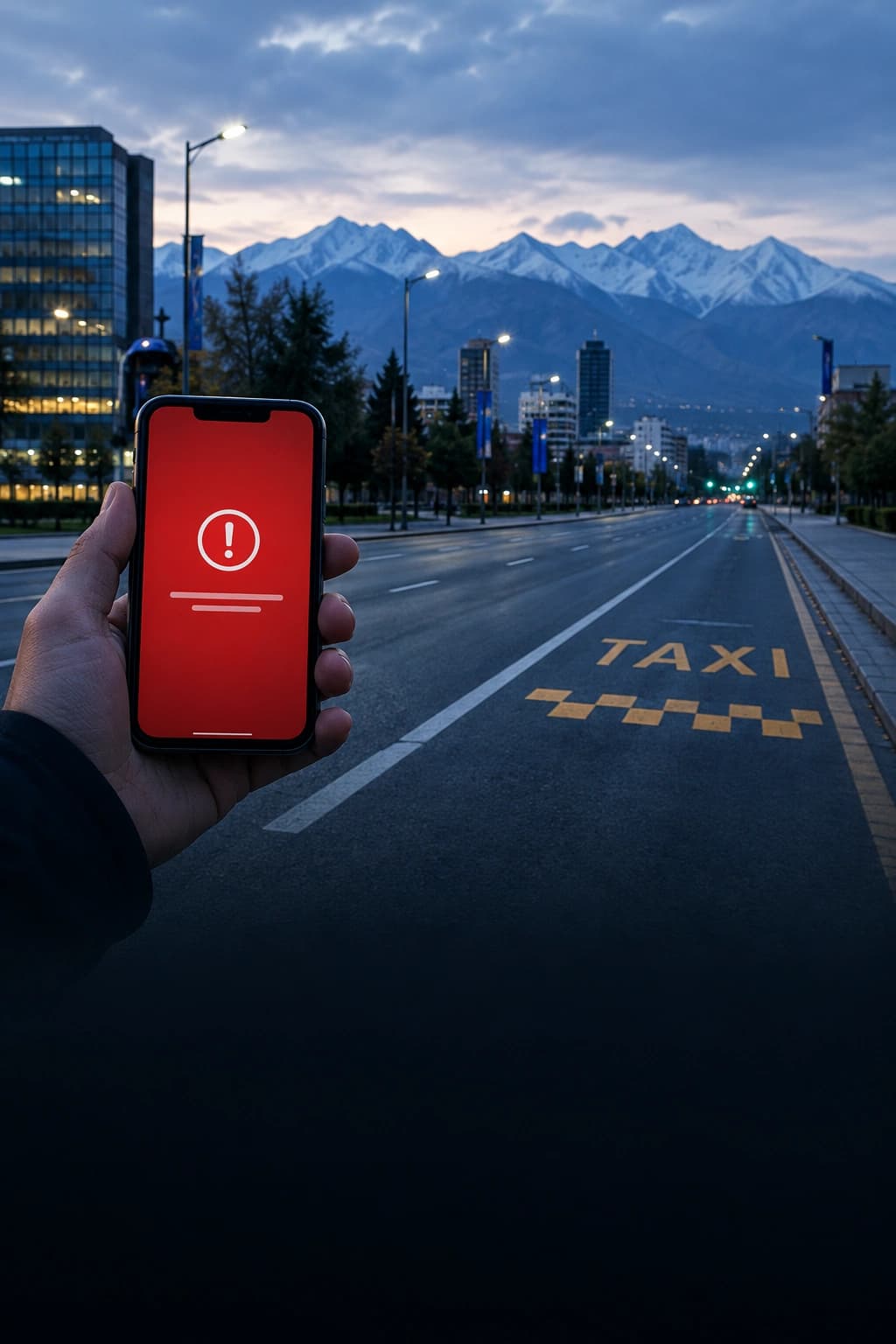
After drone attacks on three of its data centers, Yandex restricted downloads from Yandex Disk: folders, albums and multi-file downloads are off, and some photos and documents will not open. The company has not said whether any data is lost, while industry analysts say some files may be gone for good.
If Disk holds anything you have nowhere else, download it now, one file at a time, starting with what matters most.
What is restricted
On October 11 Yandex's press service told RBC that the web version no longer allows downloading whole folders, several files at once, albums, or using "Download all" on public links. Single files still download. By October 13, Smartpress reported, automatic photo and video upload from the mobile apps was also switched off. Yandex says the limits reduce load on damaged infrastructure.
Some failures look like more than throttling. SecurityLab describes 500 errors on thumbnails and 504 timeouts on originals: the file is listed, but its contents never arrive. One user who audited his archive on Habr counted about 21 GB unavailable out of 1.9 TB on October 10, and roughly half the archive the next day. That is one account, not a service-wide estimate.
Will files be lost?
There is no official answer. Yandex says it is working to keep data safe but has not disclosed the state of its backups. ComNews CEO Leonid Konik told Rossiyskaya Gazeta that after losing three data centers, recovering some data may be difficult.
Why that is even possible: cloud storage keeps several copies of each file, spread across sites. That works until every site holding copies of the same file fails at once. According to Rossiyskaya Gazeta, Yandex's cloud lost two availability zones within a week, with a third site in Kaluga partly damaged, and the design does not cover that case.
What to do now
- List what is irreplaceable: photos of your kids, scans of IDs and contracts, work archives.
- Download one file at a time. Bulk download is off; single files work on the web and in the mobile app.
- Open every downloaded file. A 504 error can leave an empty or broken file behind, so check the size.
- Do not delete anything from your phone until you know another copy exists. Auto upload is off, so no new cloud copies are being made.
- If a file will not open, do not delete it. Yandex says it is working to restore full access, and a file you delete yourself cannot come back.
The rule that prevents this
Backup specialists follow the 3-2-1 rule: three copies of important data, on two different kinds of storage, one of them somewhere else. For most people that means the phone, an external drive or home computer, and one cloud. If a file lives only in the cloud, you have one copy and another company holds it.